Converter
The converter enables conversion of legacy .bid files from iYBidWESM or iBidAgg to .bidx file readable by Bid Manager viewer tab. This allows smooth transition of data to the new iPool Suite.
Objective
Migrate from legacy iPool to iPool suite by easily converting .bid files to .bidx.
Prerequisites
- Defaults.csv must be updated with the correct database path.
- Defaults has been initialized.
- Legacy .bid files to convert.
Step-by-step Procedure
1
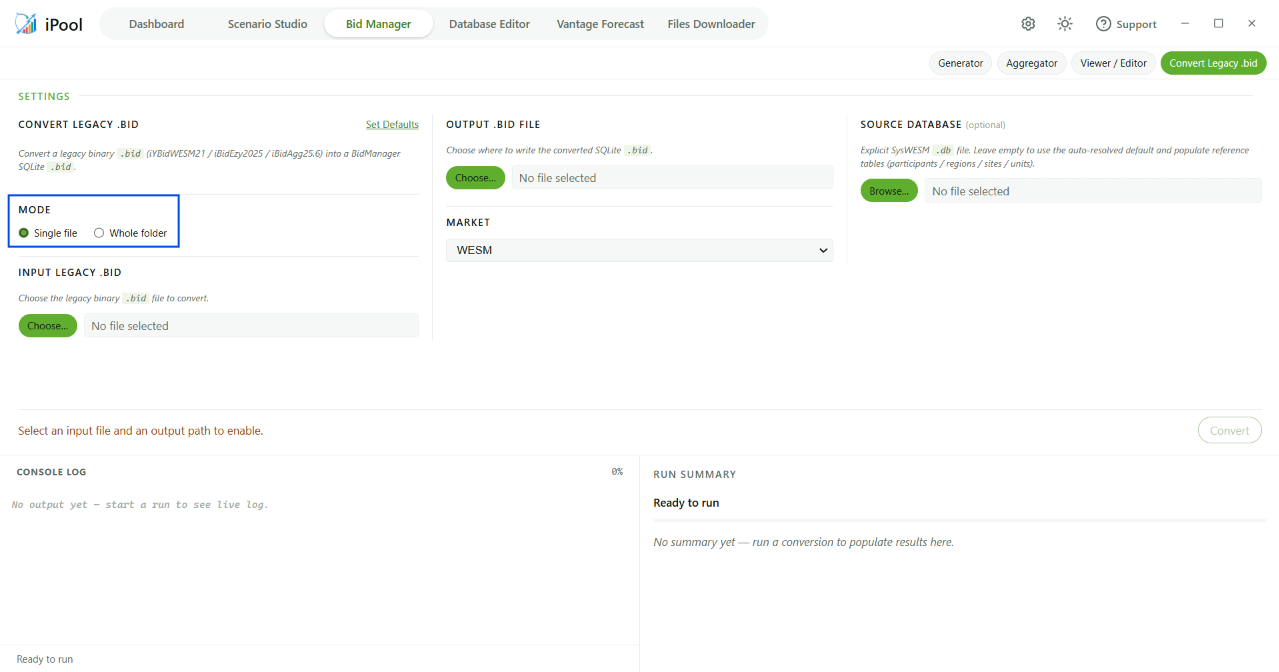
2
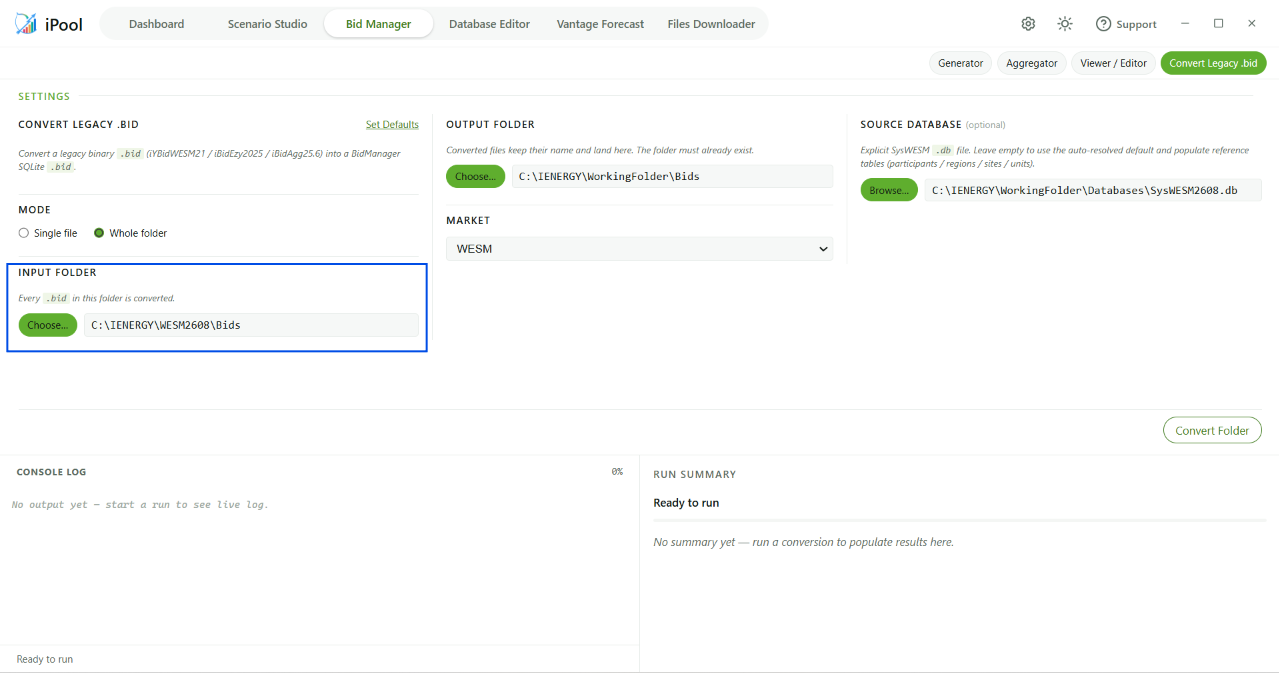
3
Check the Output Path
Check that the output path is pointing to the right folder where you want to save the converted file.
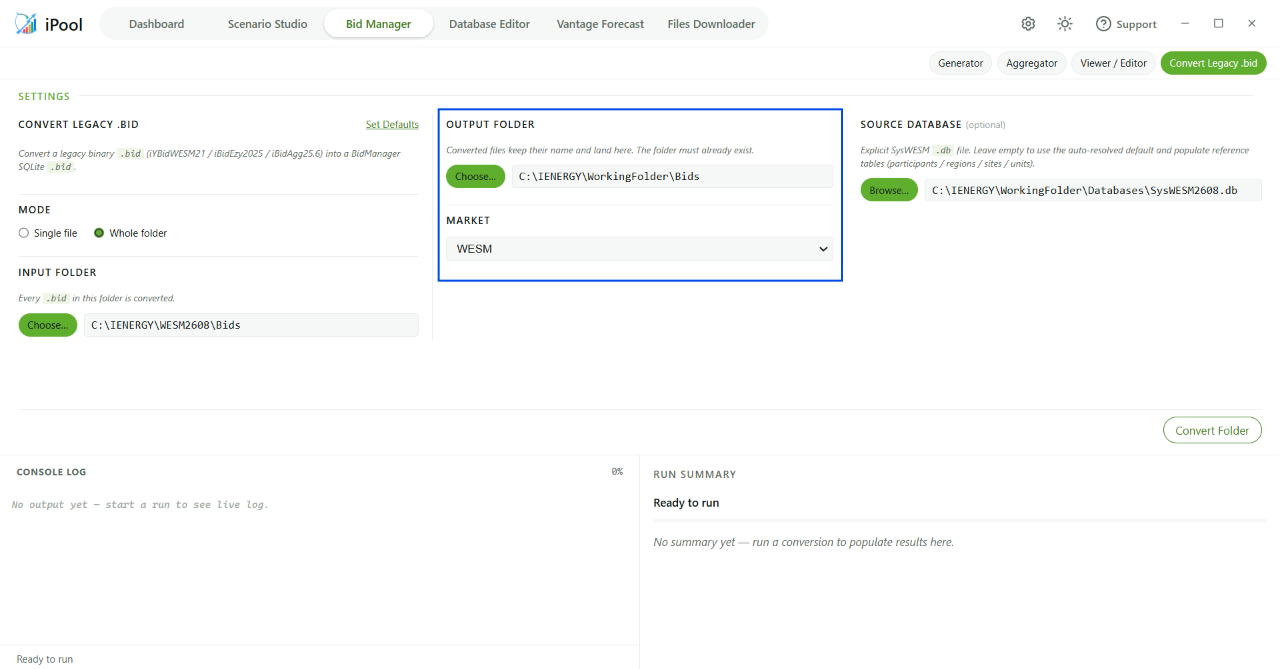
4
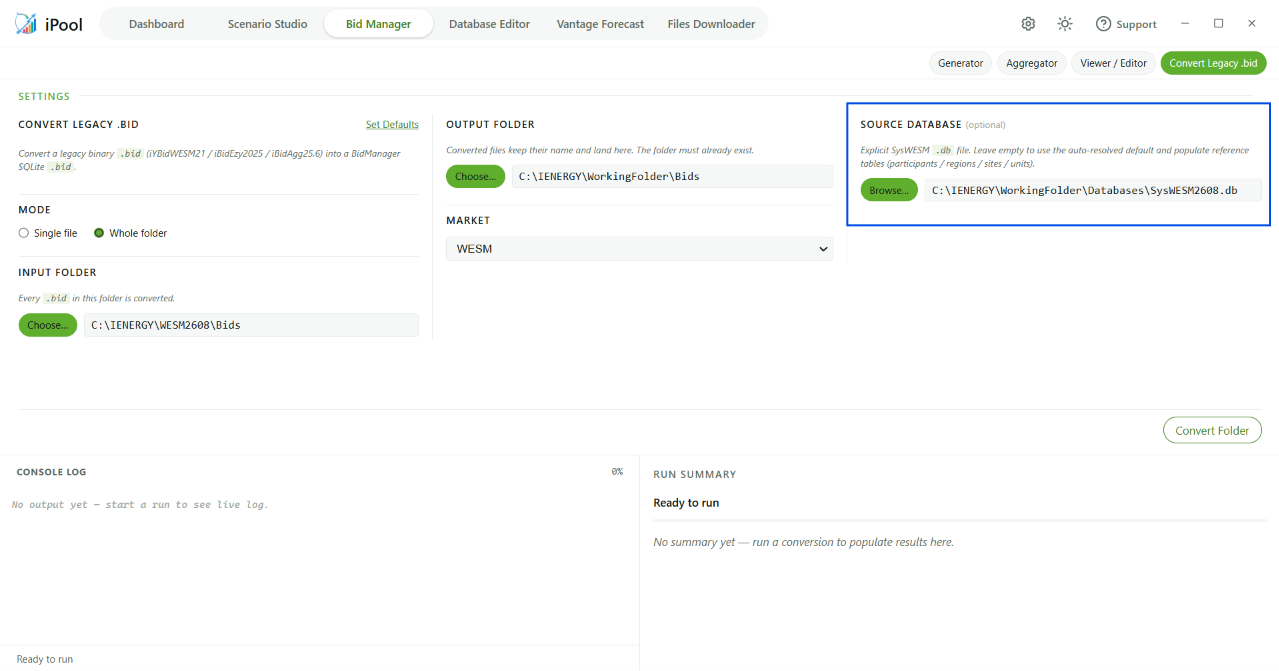
5
Click Convert
Note: Check if the .bidx file has been generated in the correct folder.