Overview
This section explains how to generate Historical and Typical Bids using Apollo's Command Sequence.
Bid Generation
Bids are a primary input for simulations. In iPool, users can work with various bid types generated from different utilities.
Read more about Custom and Dyanamic Bids here.
Type of Bids
Apollo allows users to generate:
- Historical Bids (actual past data)
- Typical Bids (aggregated data used for forecasting)
Historical Bids
Historical bids are loaded from RTDOE and RTDOR files. These are converted from their raw CSV format into .bid files to ensure compatibility with iPool. These are essential in running historical loads and backcast simulations.
Bid Generation
Open Apollo, go to Command Module and click Bid Generation.
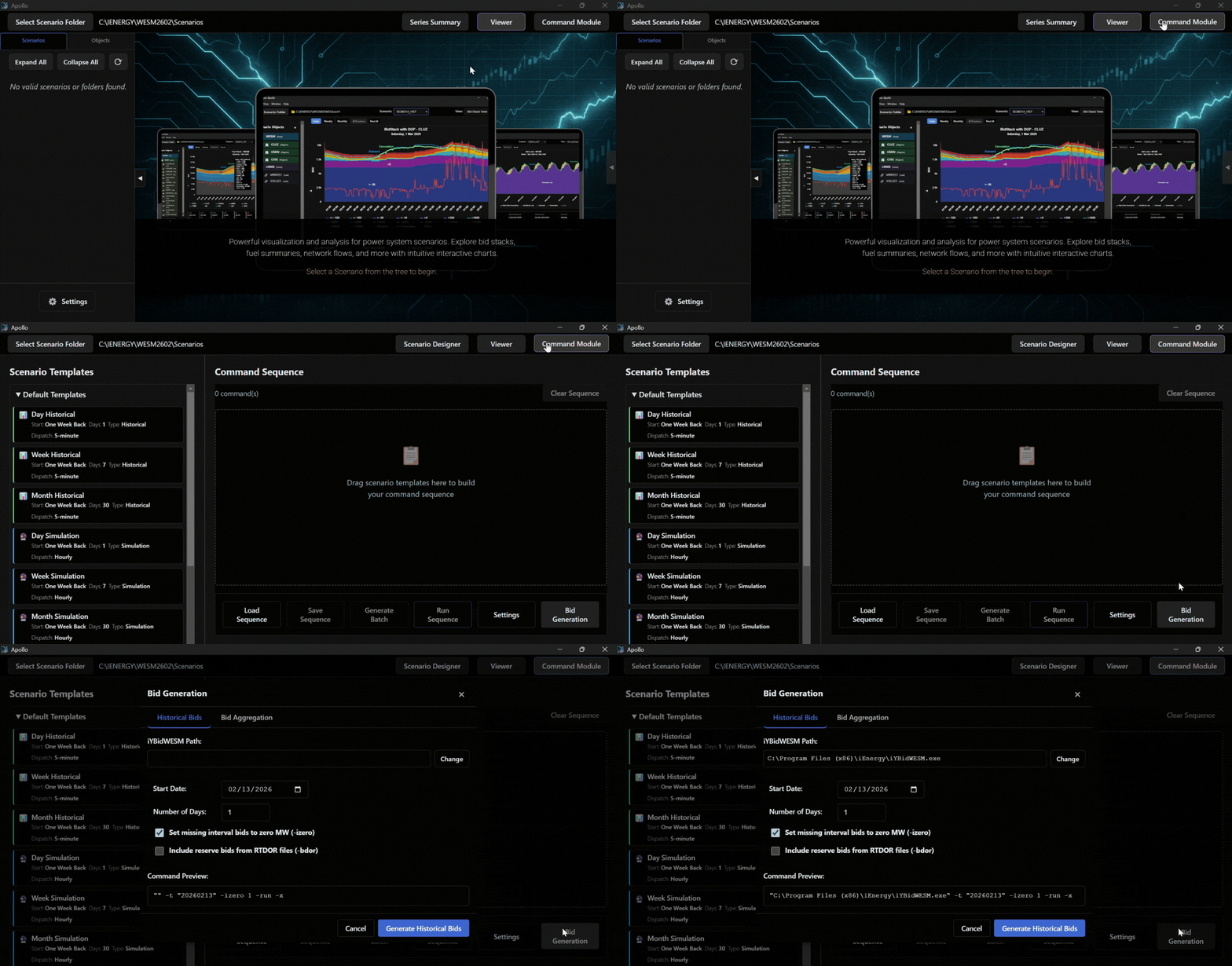
Edit Bid Paramenters
Set the Start Date and Number of Days, then click Generate Historical Bids.
RTDOE and RTDOR files must be complete for the respective days.
Check include reserve bids from RTDOR files (-bdor) if analysis of reserve prices is needed.
Typical Bids
Typical Bids (also known as Aggregated Bids) provide unit-level data for forecasting by aggregating Historical Bids. Users can fine-tune these bids by setting specific unit capacity thresholds for different fuel types, such as Coal, Hydro, OCGT, Battery, CCGT, Pump Battery, Geothermal, and Biomass.
Bid Generation
Open Apollo, go to Command Module and click Bid Generation.
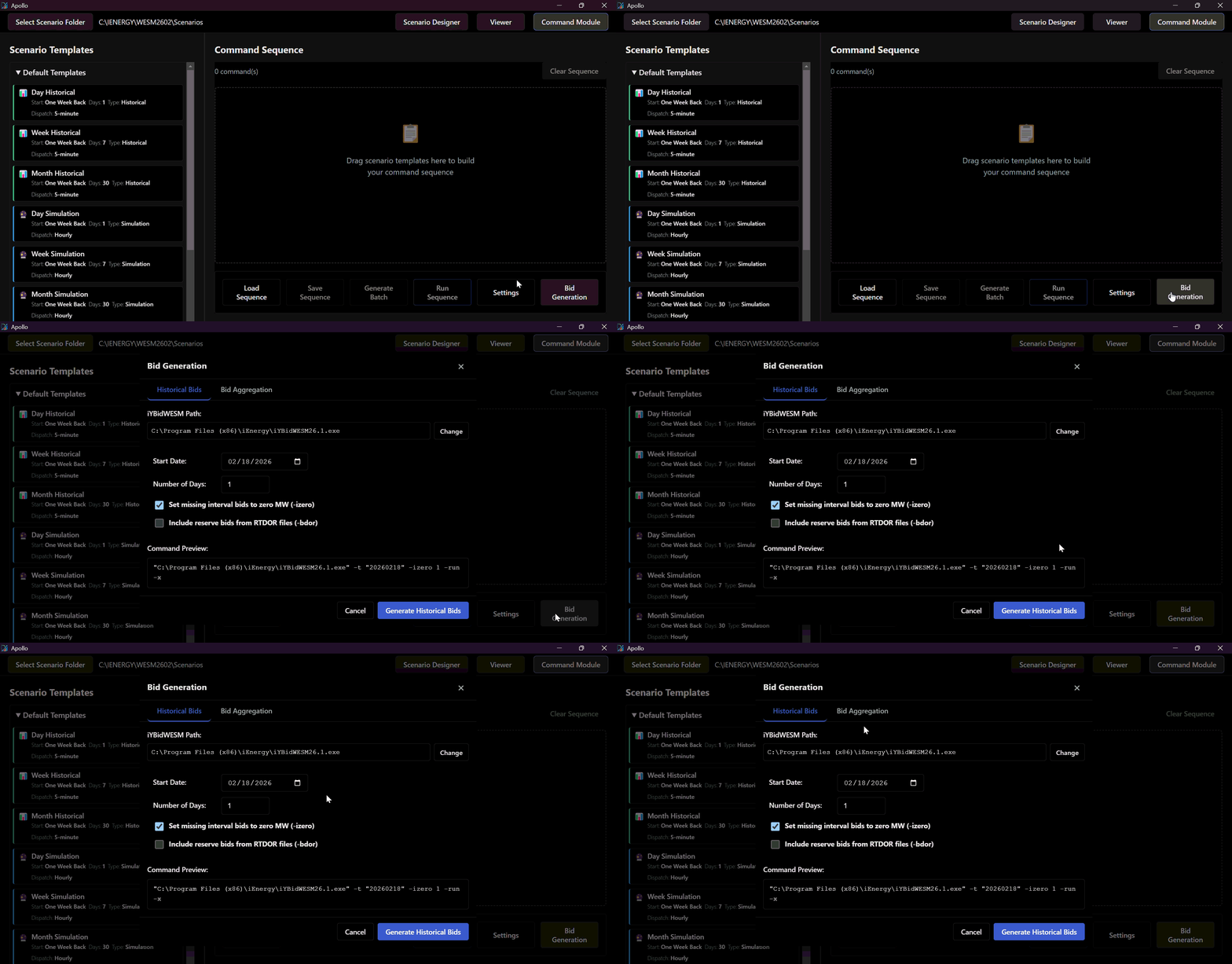
Edit Bid Paramenters
Set the Day Type, Start Date and Number of Days of available Historical Bids. Then, assign a File Name to save the bid for use.
To generate reliable Aggregated Bids, a minimum look-back window of 7 days is required. Ensure the Number of Days field is set to 7 or more, using the latest available data relative to the start of the simulation.
Edit Bid Paramenters
Edit the Unit Capacity Threshold accordingly then click Aggregate Bids.